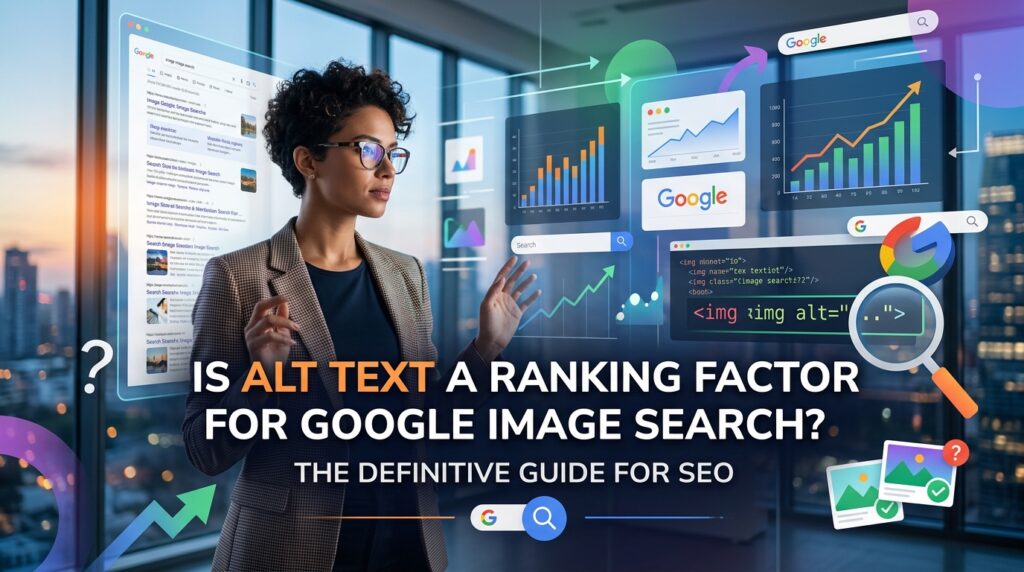
Is Alt Text a Ranking Factor for Google Image Search? The Definitive Guide for SEO
In the ever-evolving world of SEO, various elements contribute to a website’s visibility. Among these, images play a crucial role, especially with the prominence of Google Image Search. A common question that frequently arises for digital marketers, website owners, and SEO professionals is: “Is alt text a direct ranking factor for Google Image Search?” While the answer isn’t a simple yes or no, understanding its impact is essential for comprehensive image SEO and accessibility. This guide will clarify the role of alt text, its connection to search rankings, and how to optimize it effectively.
Understanding Alt Text: More Than Just a Description
Alt text, short for “alternative text,” is an HTML attribute added to an image tag. Its primary purpose is to provide a text alternative for images, which is read aloud by screen readers for visually impaired users. When an image fails to load, the alt text is displayed in its place, providing context to the user. For search engines like Google, alt text offers valuable information about the image’s content and its relevance to the surrounding text on a webpage.
The Direct vs. Indirect Ranking Factor Debate
Historically, alt text was considered a more direct ranking signal for image search. However, Google’s algorithms have become increasingly sophisticated. While Google officially states that alt text is important for understanding images, they rarely label anything as a “direct” ranking factor in the traditional sense.
- Indirect Impact: Google uses alt text to understand the subject matter of an image and how it relates to the content of the page. This understanding helps Google categorize images and surface them for relevant queries in Google Image Search. If Google accurately understands your image, it is more likely to appear for appropriate searches, thus indirectly influencing visibility.
- Contextual Relevance: Alt text provides context. When combined with the image file name, surrounding text, and page title, alt text helps Google build a comprehensive picture of your image and its relevance to user queries. A well-optimized image, including its alt text, contributes to the overall SEO strength and relevance of the page it resides on, which can positively impact its ranking for both web and image searches.
Alt Text and Accessibility: A Crucial Connection
Beyond SEO, the most critical function of alt text is accessibility. For visually impaired individuals using screen readers, alt text describes the image, allowing them to comprehend the visual content. Neglecting alt text can create significant barriers for a portion of your audience, leading to a poor user experience. Google, prioritizing user experience, views accessibility as a vital component of a quality website. A website that is accessible to all users is generally favored.
How Google Uses Alt Text for Image Understanding
Google’s algorithms analyze alt text along with other signals to interpret images:
- Content Understanding: Alt text helps Google determine what an image depicts, especially for images where the visual content is complex or abstract.
- Search Query Matching: When a user performs an image search, Google matches the query with its understanding of images. Descriptive and relevant alt text increases the chances of your image being considered a good match.
- Contextual Reinforcement: It reinforces the textual content of the page. If your alt text aligns with the page’s topic and keywords, it tells Google that the image is highly relevant to the page’s subject matter.
Best Practices for Optimizing Alt Text for SEO and Accessibility
To leverage alt text effectively, follow these guidelines:
- Be Descriptive and Specific: Describe the image accurately and concisely. Focus on what is visually represented.
- Bad:
<img src="dog.jpg" alt=""> - Good:
<img src="golden-retriever-playing-park.jpg" alt="Golden retriever puppy playing fetch in a sunny park">
- Bad:
- Include Relevant Keywords (Naturally): If appropriate, integrate one or two relevant keywords, but avoid keyword stuffing. The primary goal is to describe the image, not just force keywords.
- Okay:
<img src="seo-tips.jpg" alt="SEO tips"> - Better:
<img src="seo-tips-checklist.jpg" alt="SEO tips checklist for digital marketers">
- Okay:
- Keep it Concise: Most screen readers cut off alt text after 125 characters, so aim for brevity while still being descriptive.
- Avoid Redundancy: Do not start alt text with “image of…” or “picture of…”. Screen readers already announce “image.”
- Context is Key: Ensure the alt text is relevant to the surrounding content on the page. The image and its alt text should complement the text.
- Decorative Images: For purely decorative images that convey no information (e.g., background patterns, dividers), use empty alt text (
alt=""). This tells screen readers to skip them.
By carefully optimizing your alt text, you not only improve your website’s accessibility for all users but also strengthen its chances of ranking higher in Google Image Search. It remains one of the simplest yet most impactful SEO practices—delivering strong visibility gains with minimal effort when done right.
If you’re looking to build a more strategic, search-optimized, and performance-driven digital presence, Thought Hive can help you get there. From SEO fundamentals to advanced growth strategies, we focus on turning visibility into measurable results.
📩 connect@thought-hive.com
📞 +91 7356018708
🌐 thought-hive.com
Let’s build search visibility that actually drives growth.